AVG AntiTrack has a new and improved version available on Windows. If you have the legacy version of AVG AntiTrack installed on your device, you may see a prompt inviting you to migrate to the new version.
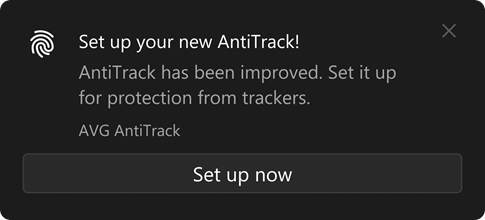
Click the prompt and follow the on-screen instructions to complete the migration. If you prefer to install and activate the new AVG AntiTrack manually, refer to the following articles:
Troubleshooting the error "Your AntiTrack is disabled!"
After the migration is complete and the new version is installed, you are prompted to add the AVG AntiTrack browser extension for your default browser. You may see one of the following prompts, depending on your default browser:
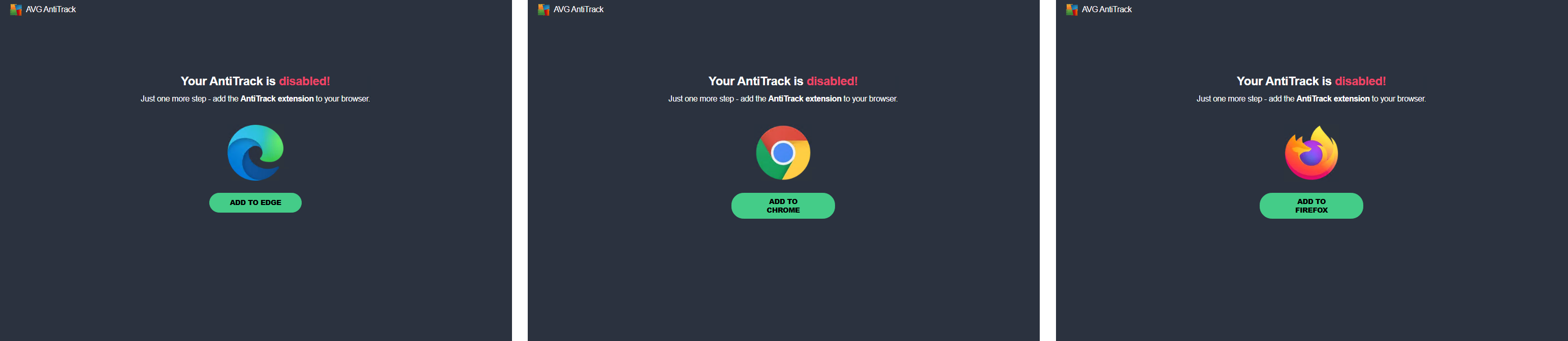
To resolve this notification, refer to the following article:
For information about the new AVG AntiTrack, refer to the following articles:
- AVG AntiTrack
- Windows